MS OFFICE

Vijaylekh Skill Sharing Academy — Authorised Training Partner of Tally Education & Distribution Pvt. Ltd., Bengaluru. Training is provided by Tally Certified Trainers following the official TallyPrime curriculum.


About the Programme

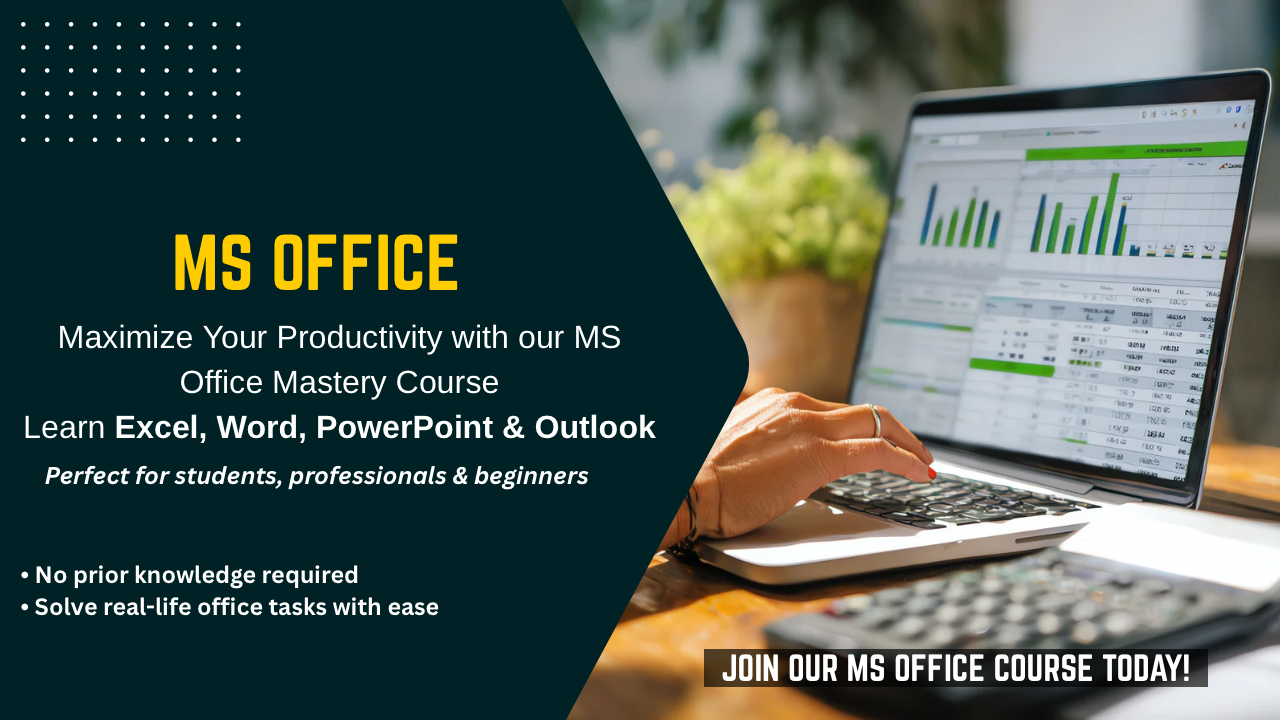
This foundational course is designed for absolute beginners and students. It covers the core tools of the Microsoft Office suite required in day-to-day office work. From drafting professional letters in Word to managing data in Excel and creating presentations in PowerPoint, this course makes you computer literate and job-ready.

Why Choose This Programme?

  • Solid Computer Fundamentals: Start from zero and master the basics of hardware & software.
  • Professional Email Management: Learn Outlook etiquette, attachments & organizing inbox.
  • Internet Connectivity & Research: Smart web browsing, safe downloading & online safety.
  • Real-time Cloud Skills: Using Google Drive/OneDrive for file sharing & storage.
  • Practical Corporate Assignments: Real-world projects like Report making & Invoicing.
  • Master Corporate Documentation: Create professional letters, invoices & reports using Advanced MS Word.
  • Data Analysis & Reporting: Manage business data, formulas & MIS reports efficiently in MS Excel.
  • Impactful Presentations: Design stunning slides with animations for meetings & seminars.
  • Professional Communication: Master email etiquette, scheduling, and Outlook management.

Who Should Join?

Course Duration & Mode

  • School & College Students (Any Stream)
  • Job Seekers looking for their first job
  • Housewives/Homemakers wanting to learn computers
  • Business Owners
  • Government Exam Aspirants (CPT Preparation)
  • Total Duration: 2 Months
  • Training Mode: Classroom / Practical Lab
  • Batch Options: Regular / Weekend / Fast Track

Key Learning Outcomes

  • Computer Fundamentals: Understanding Hardware/Software, Windows OS, File Management (Folders/Shortcuts) & Typing Skills.
  • Internet Proficiency: Effective Web Browsing, Safe Downloading, Online Payments & Using Government Portals.
  • Email Management: Composing Professional Emails (CC/BCC), Attachments & Outlook Configuration.
  • Digital Tools: Scanning Documents, Printing Settings, Converting PDFs & Data Transfer.
  • MS Word: Professional Formatting, Table of Contents, Mail Merge & Creating Fillable Forms.
  • Excel: Data Entry Rules, Conditional Formatting, VLOOKUP & Management Reporting.
  • PowerPoint: Designing Master Slides, Animation, Transitions & Presenting Confidently.
  • Cloud & Collaboration: Storing files on Cloud (Google Drive), Sharing links & Real-time editing.

Career Growth Opportunities

Entry-Level Roles

  • Computer Operator
  • Office Assistant
  • Receptionist/Front Desk
  • Data Entry Clerk

Mid-Level Positions

  • Office Coordinator
  • Admin Executive
  • Document Controller
  • Operations Assistant

Advanced Roles

  • Executive Assistant
  • Office Manager
  • Personal Secretary
  • Store Keeper

Self-Employment

  • Typing/Data Entry Projects
  • Cyber Cafe Owner
  • Project Report Freelancer
  • Common Service Centre (CSC)
MS OFFICE